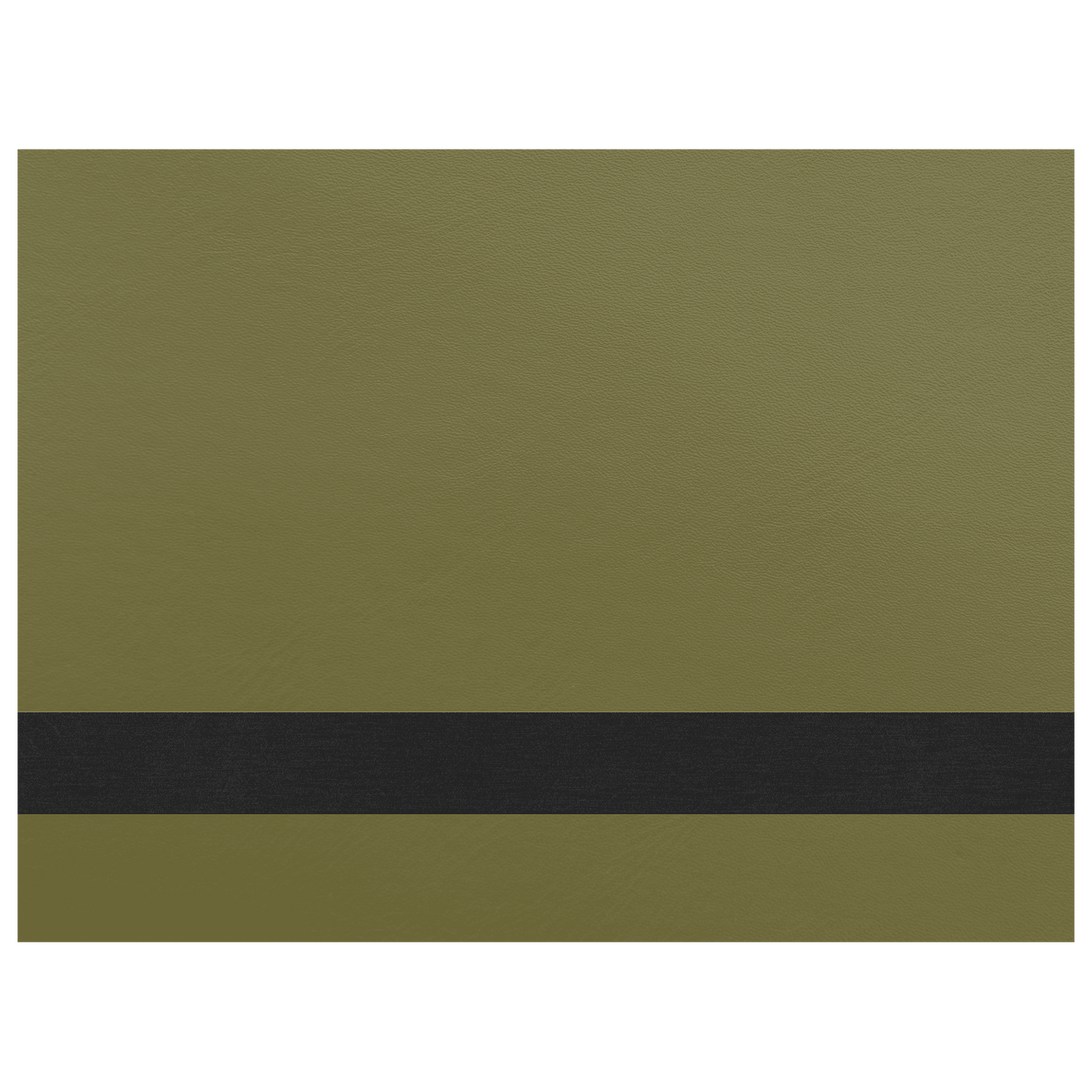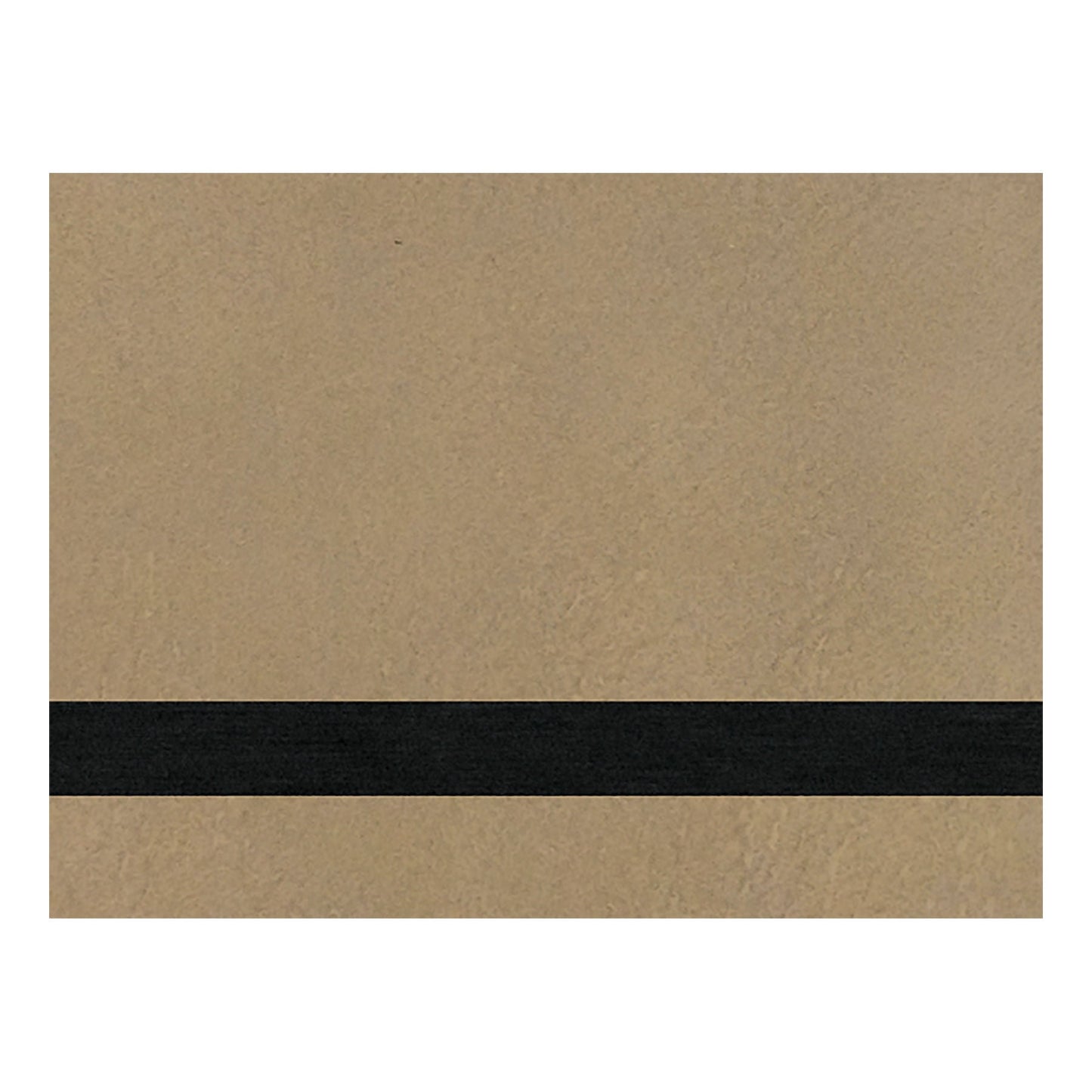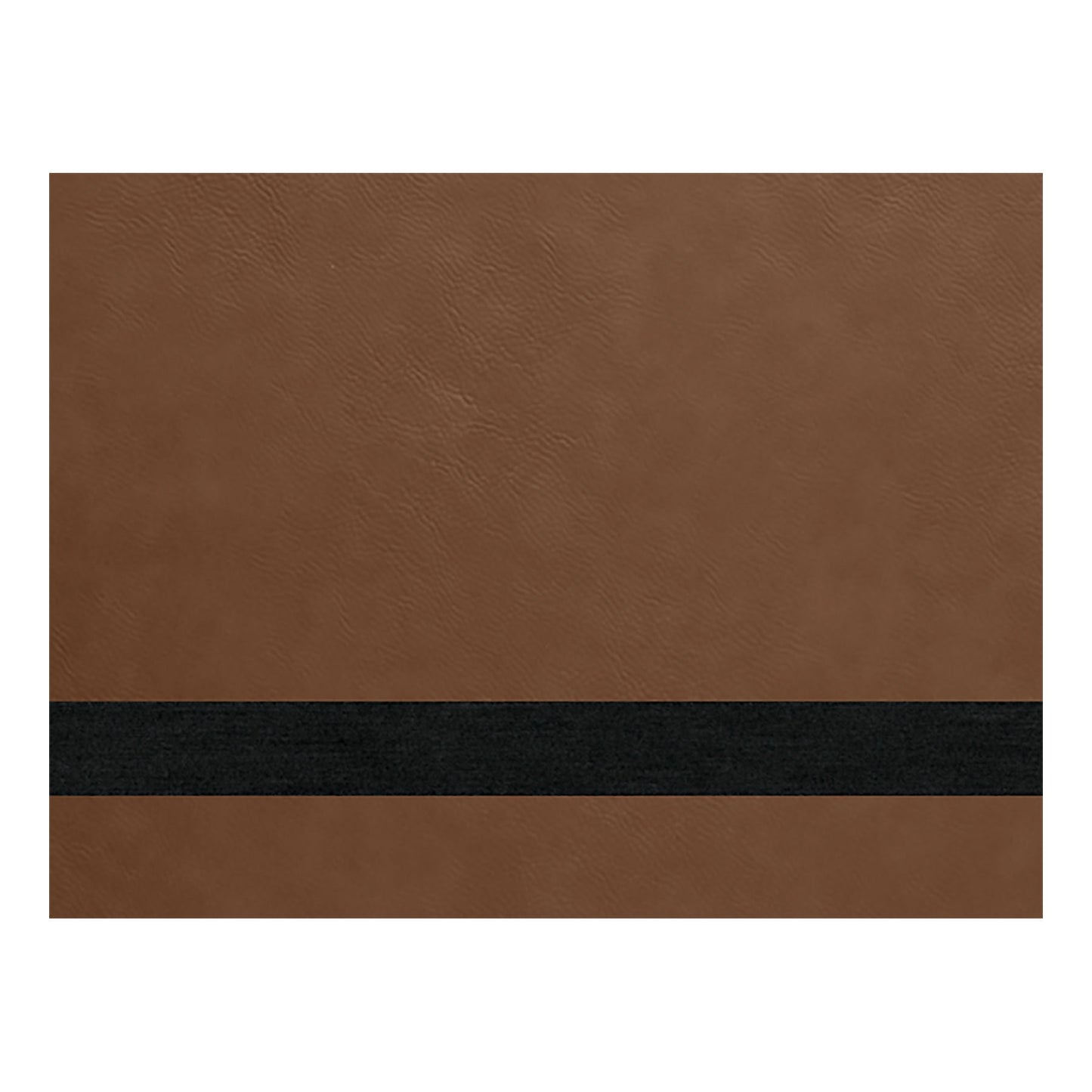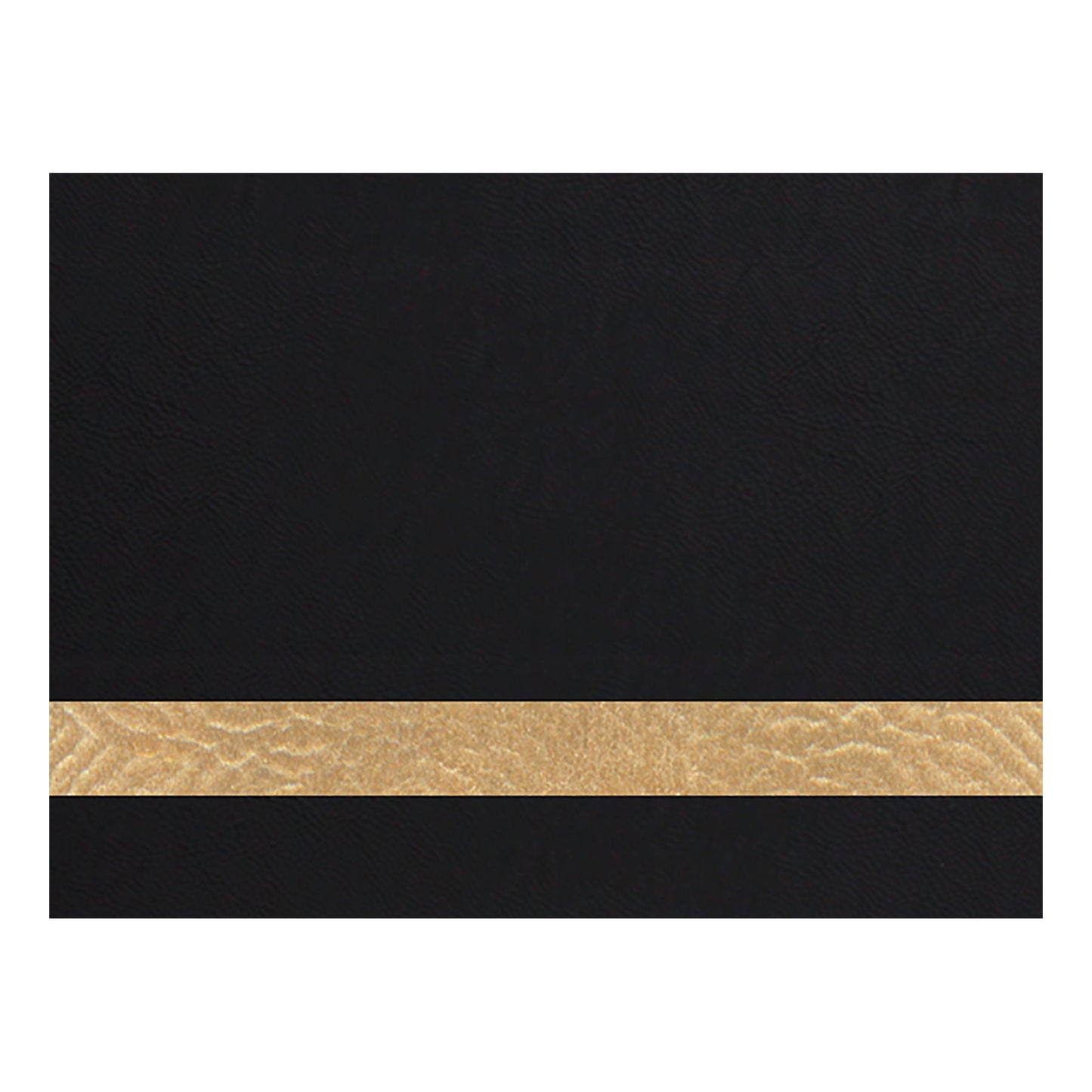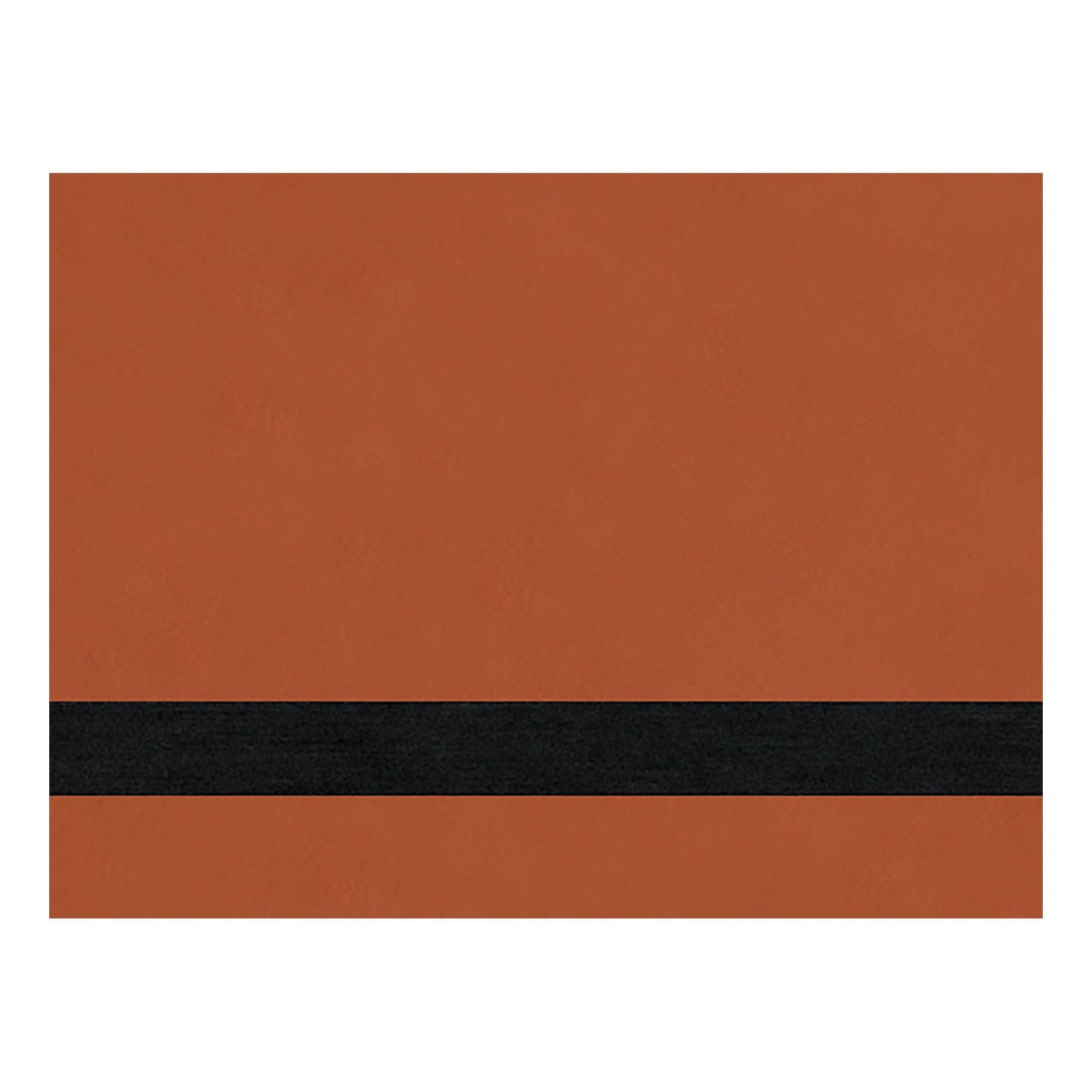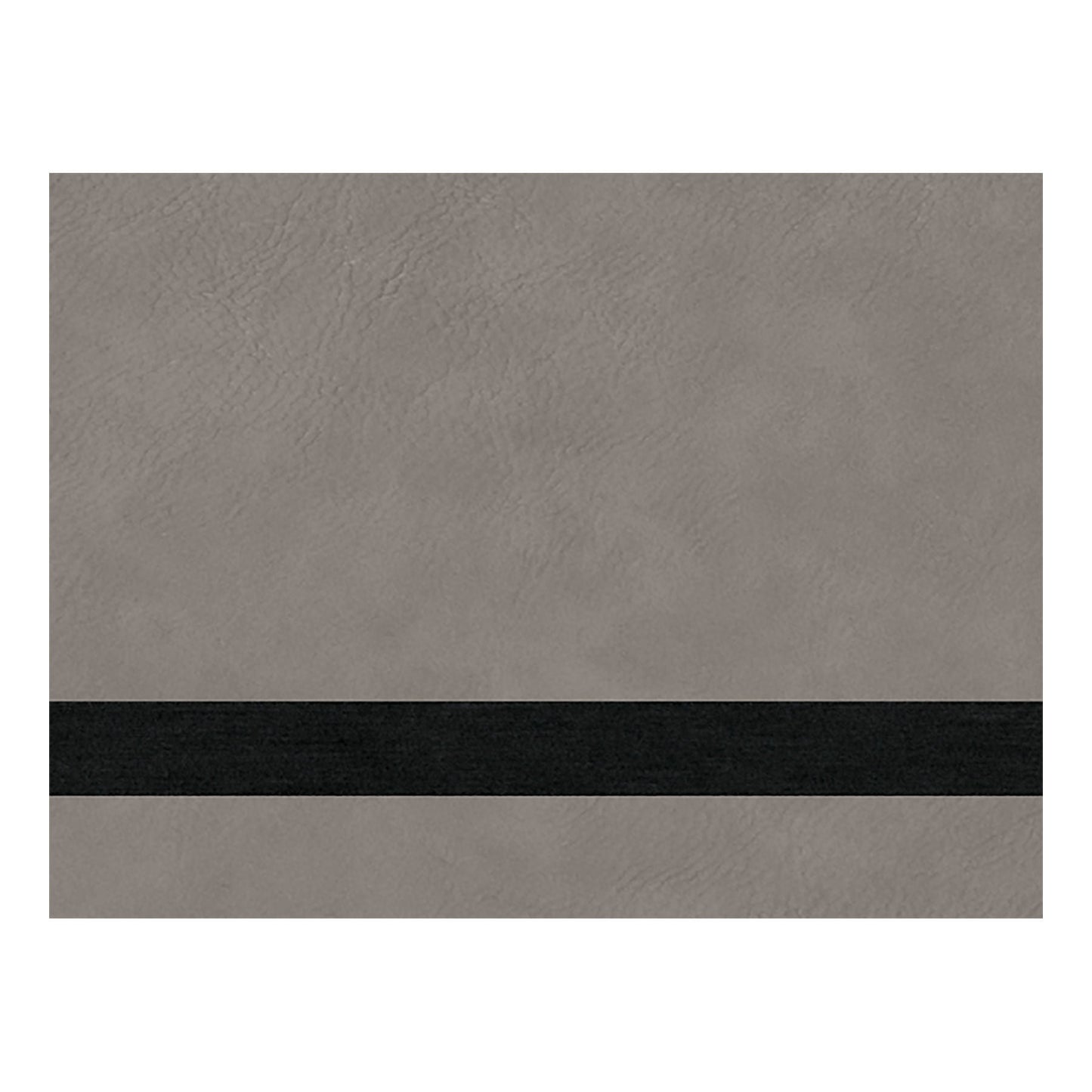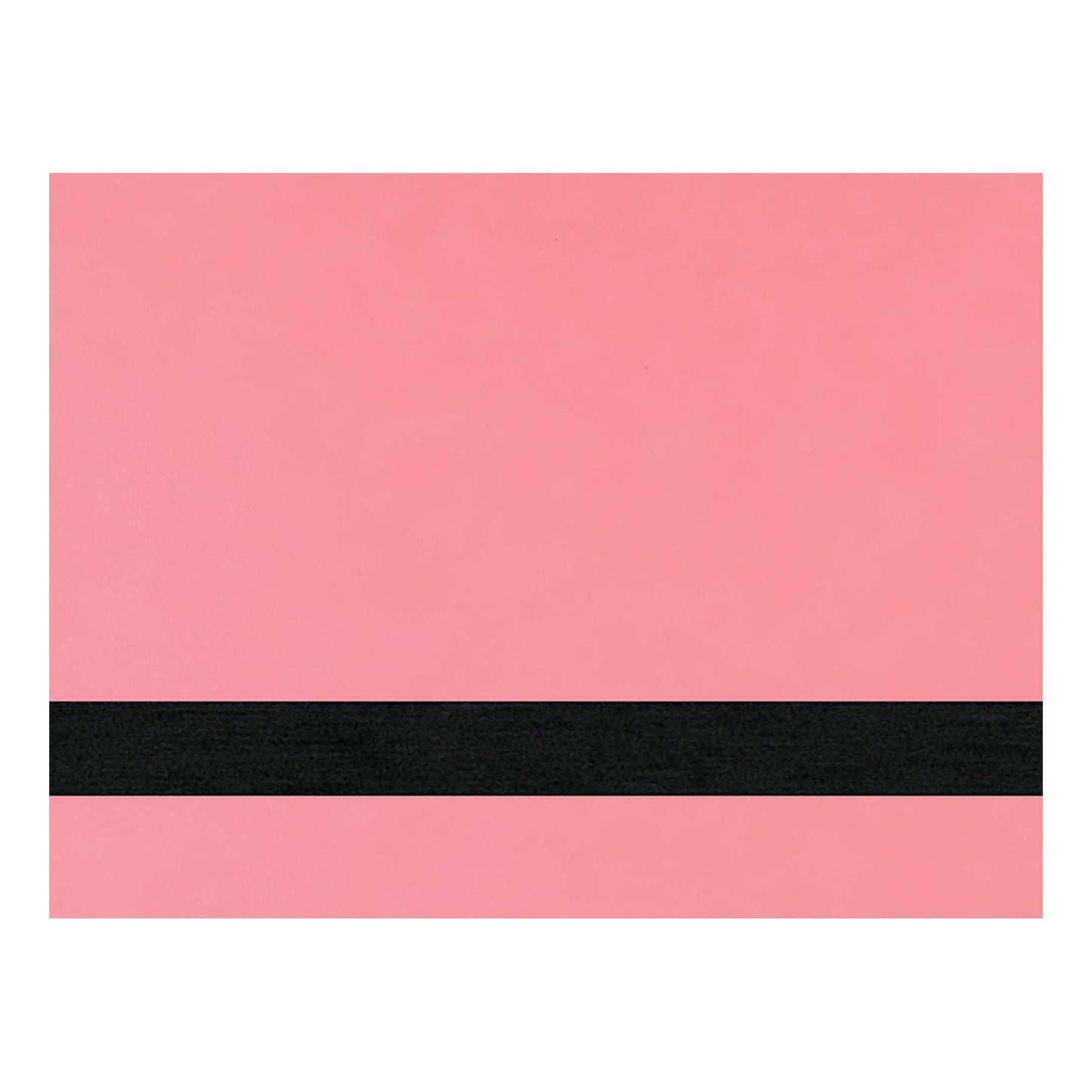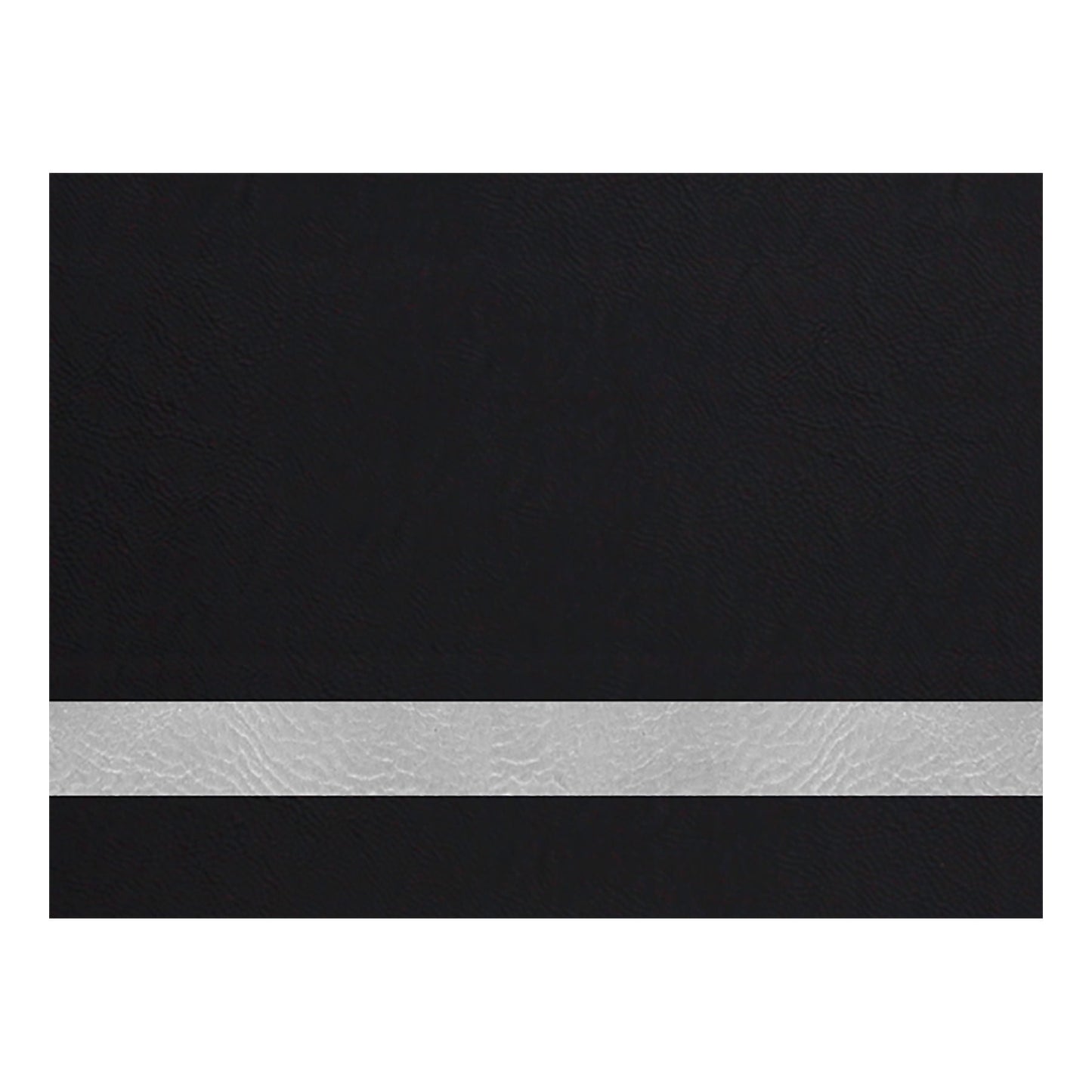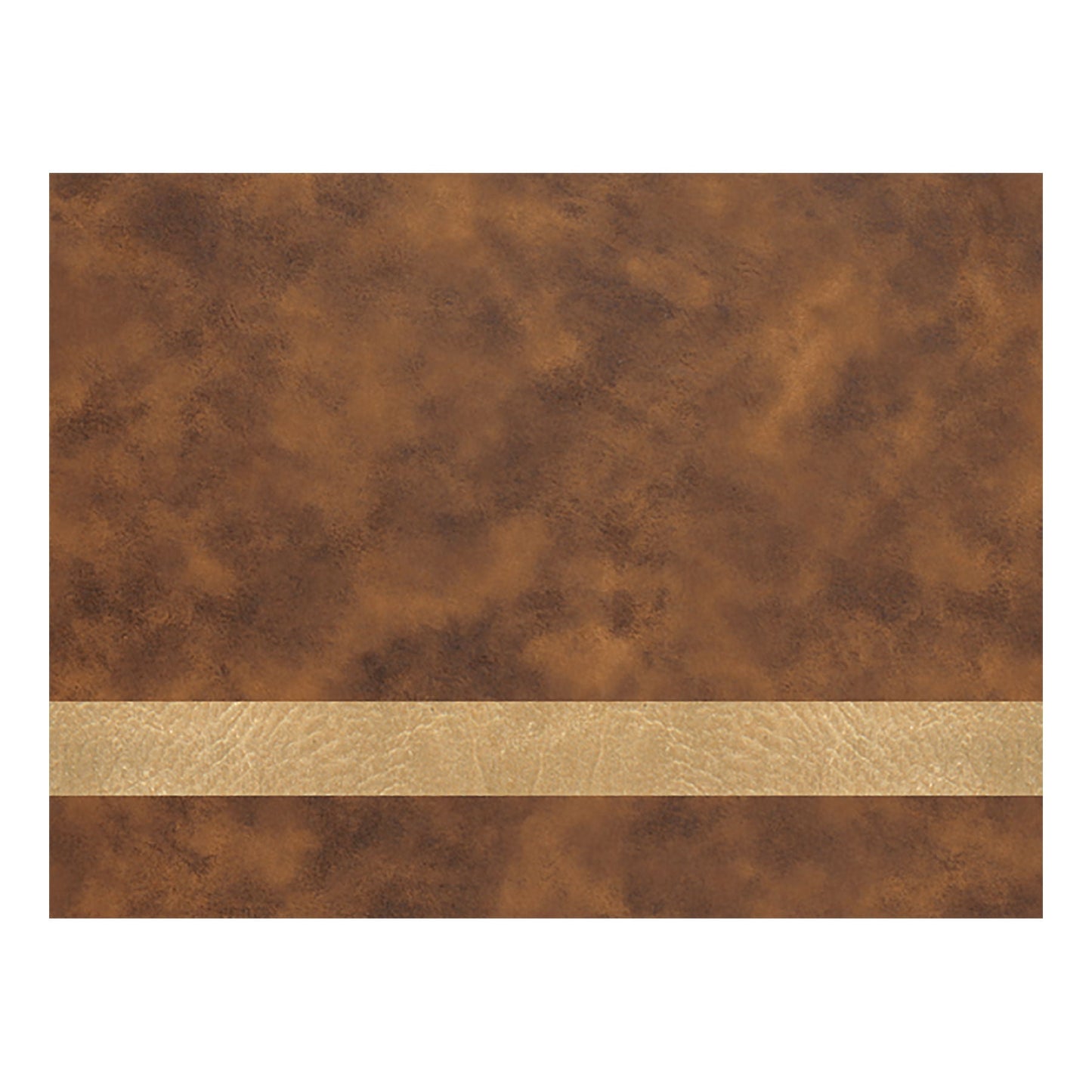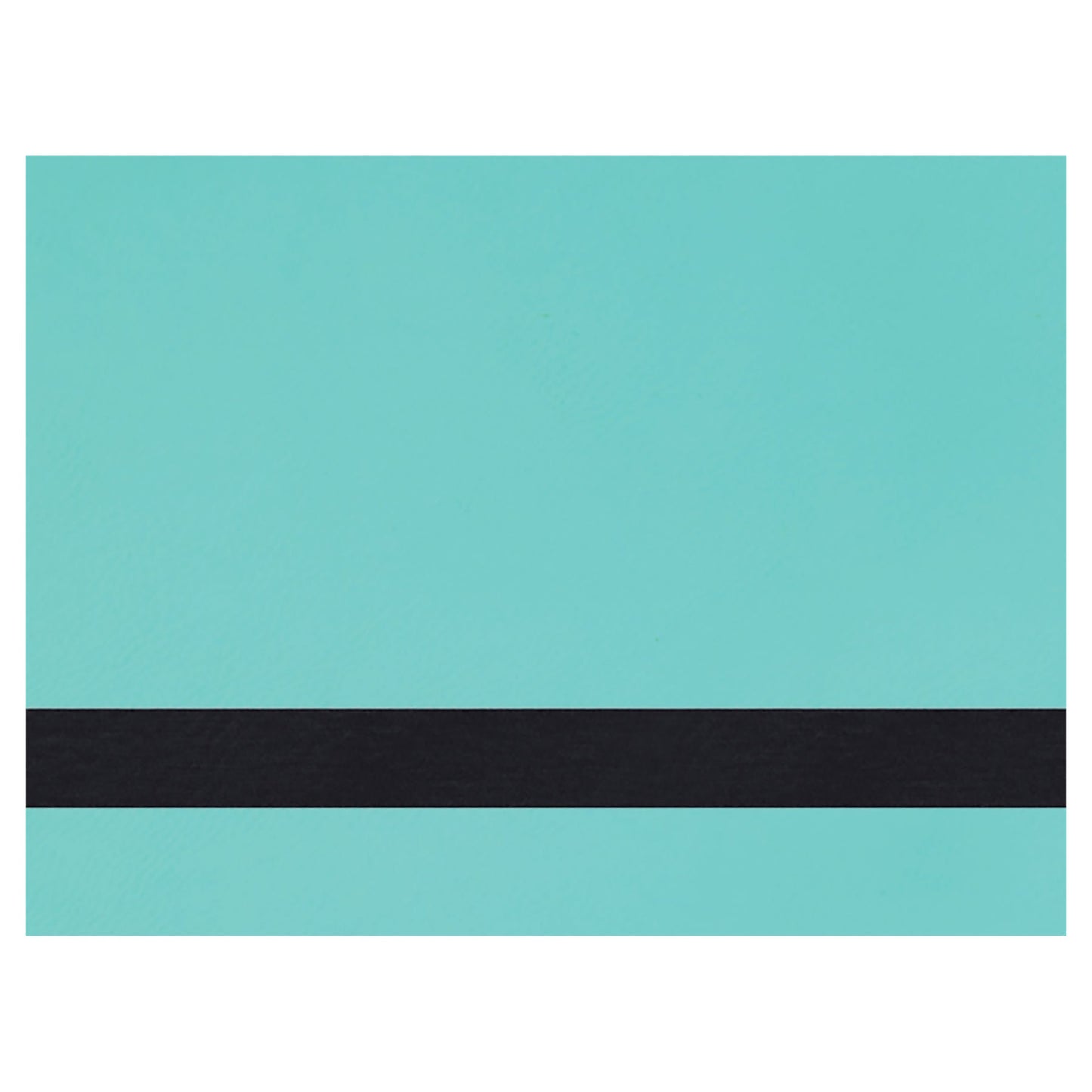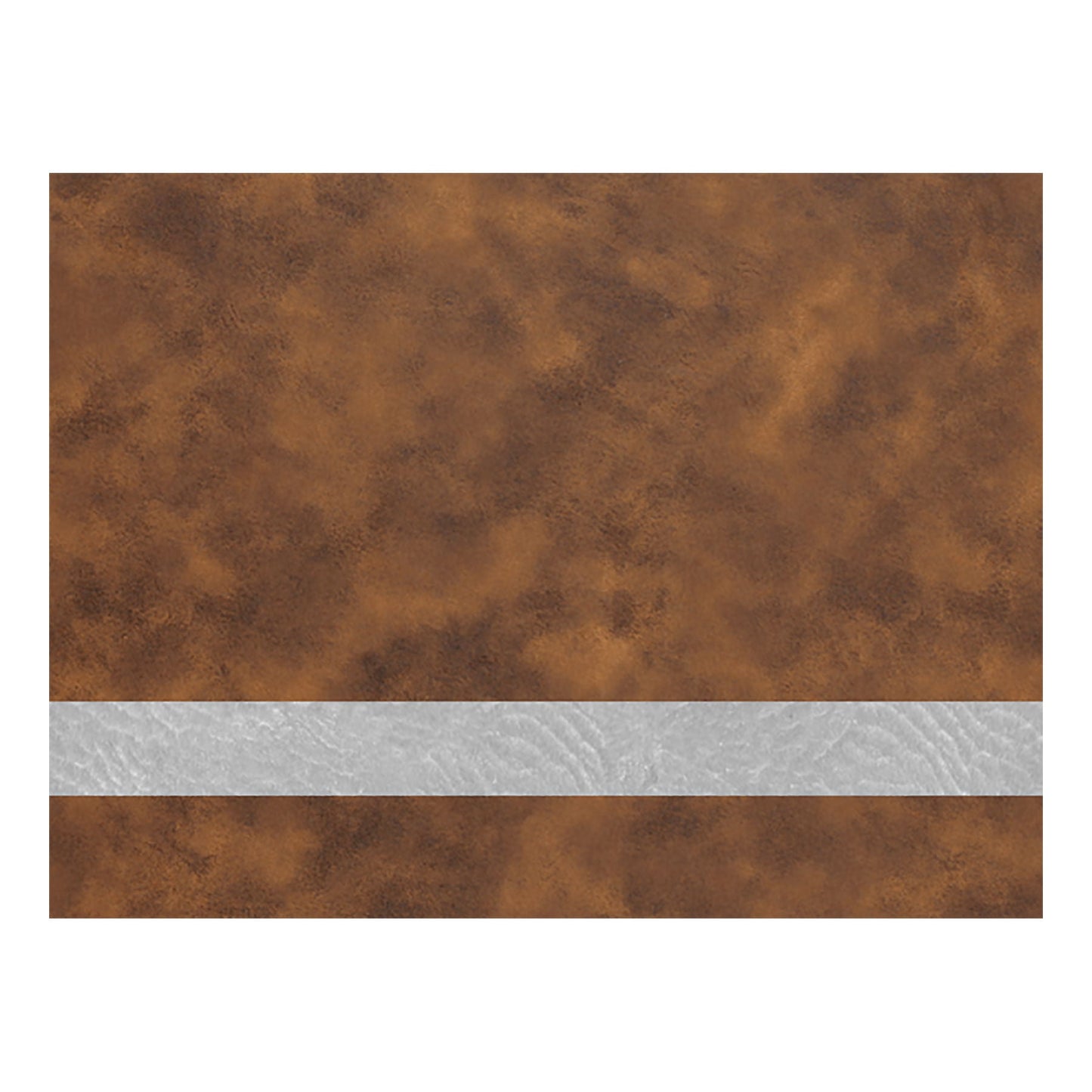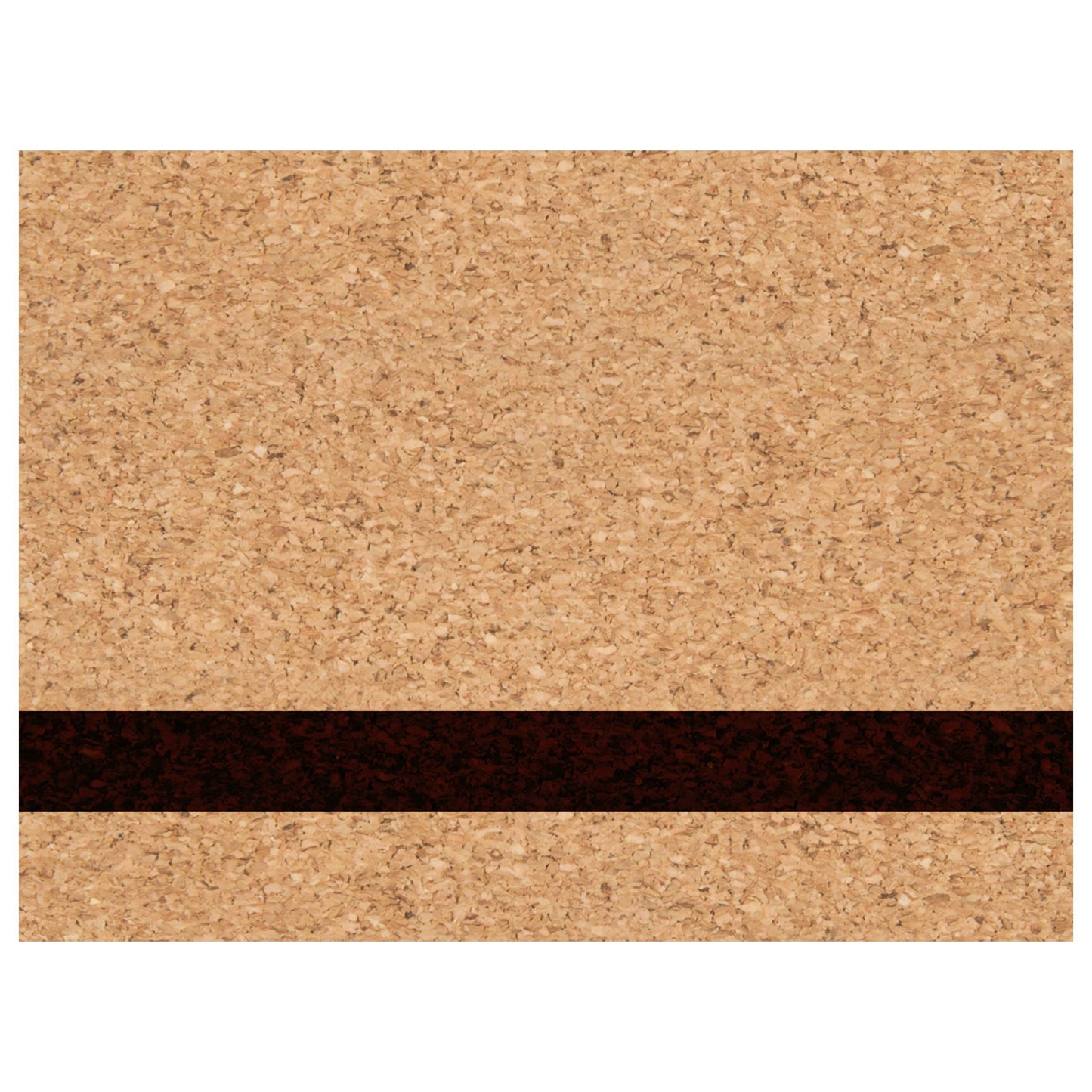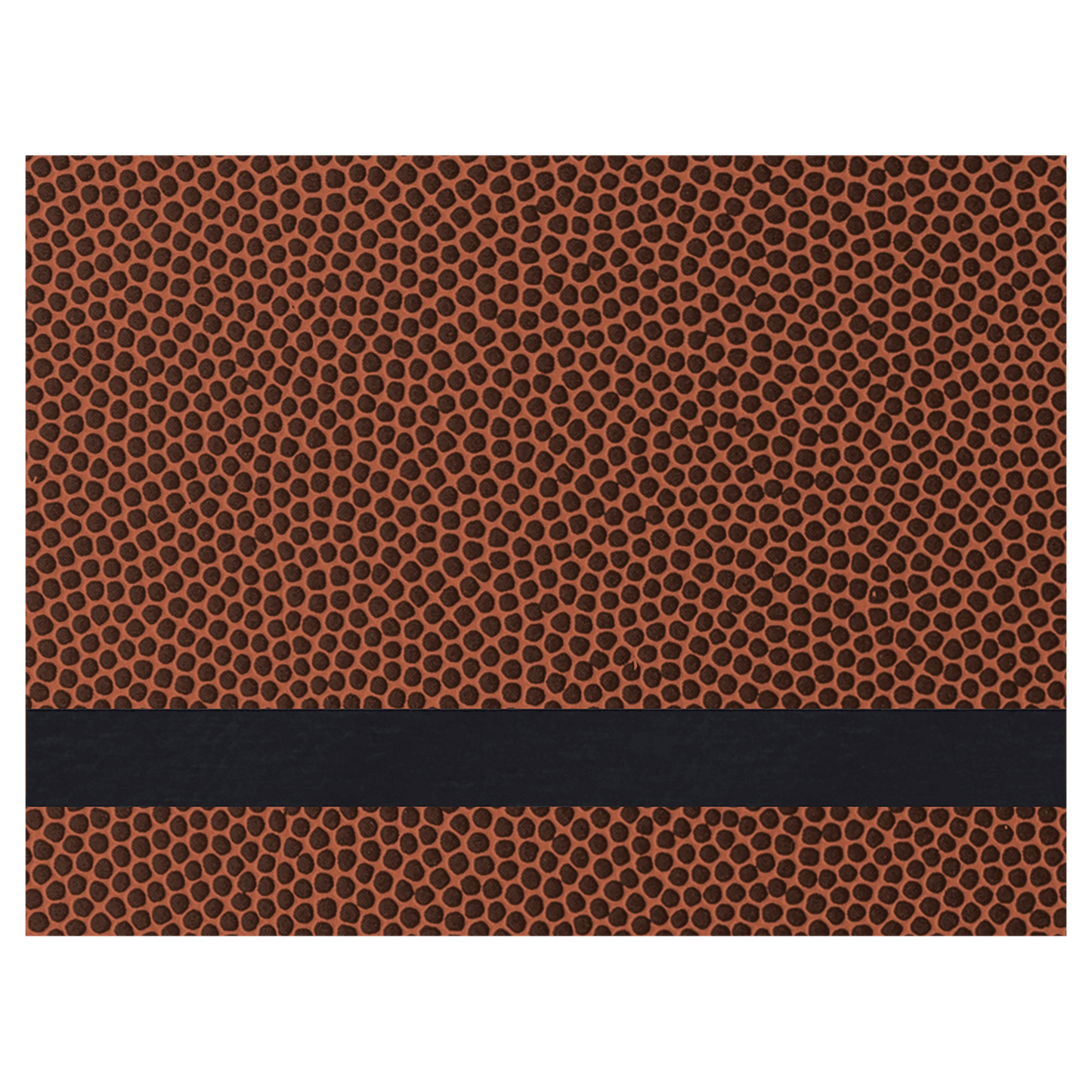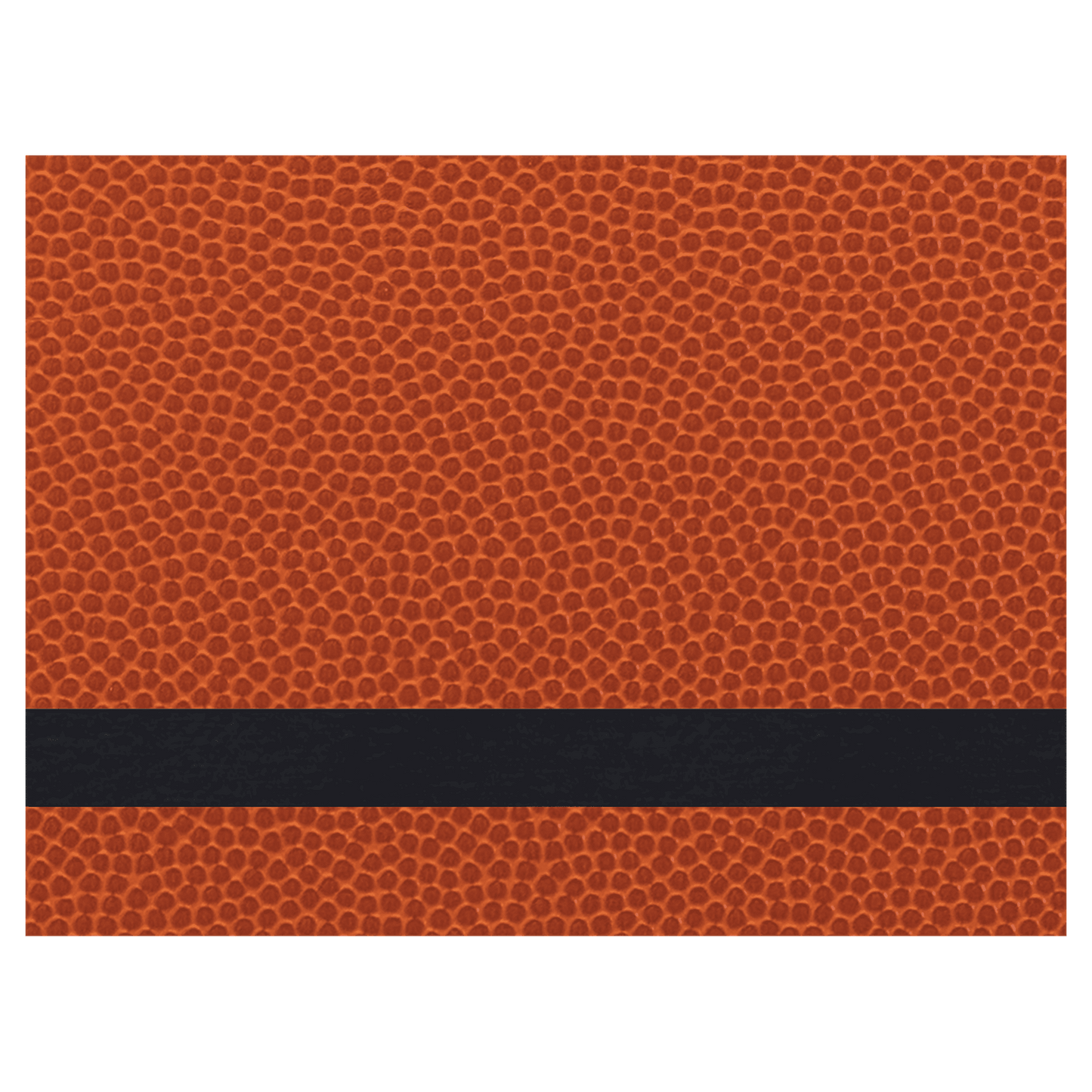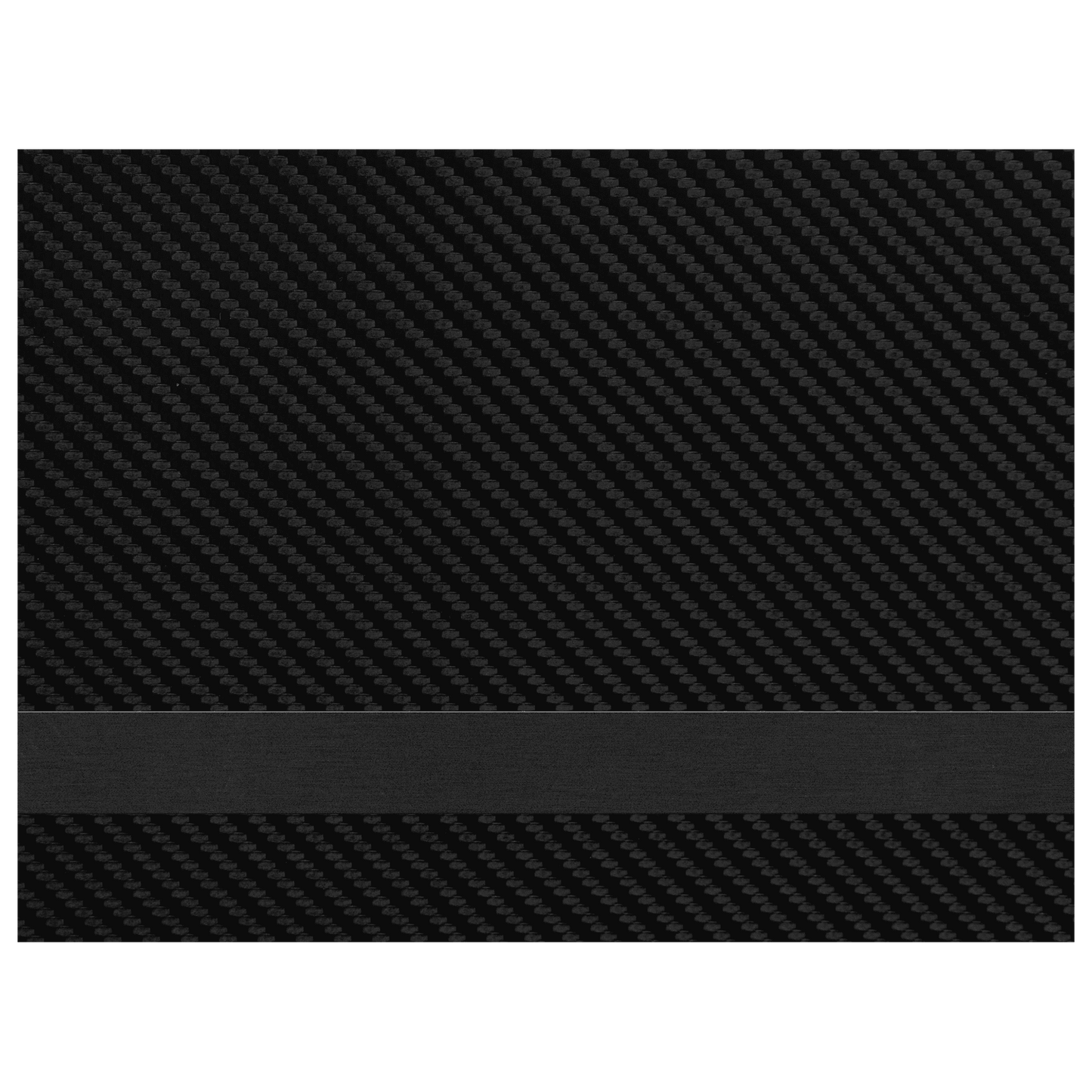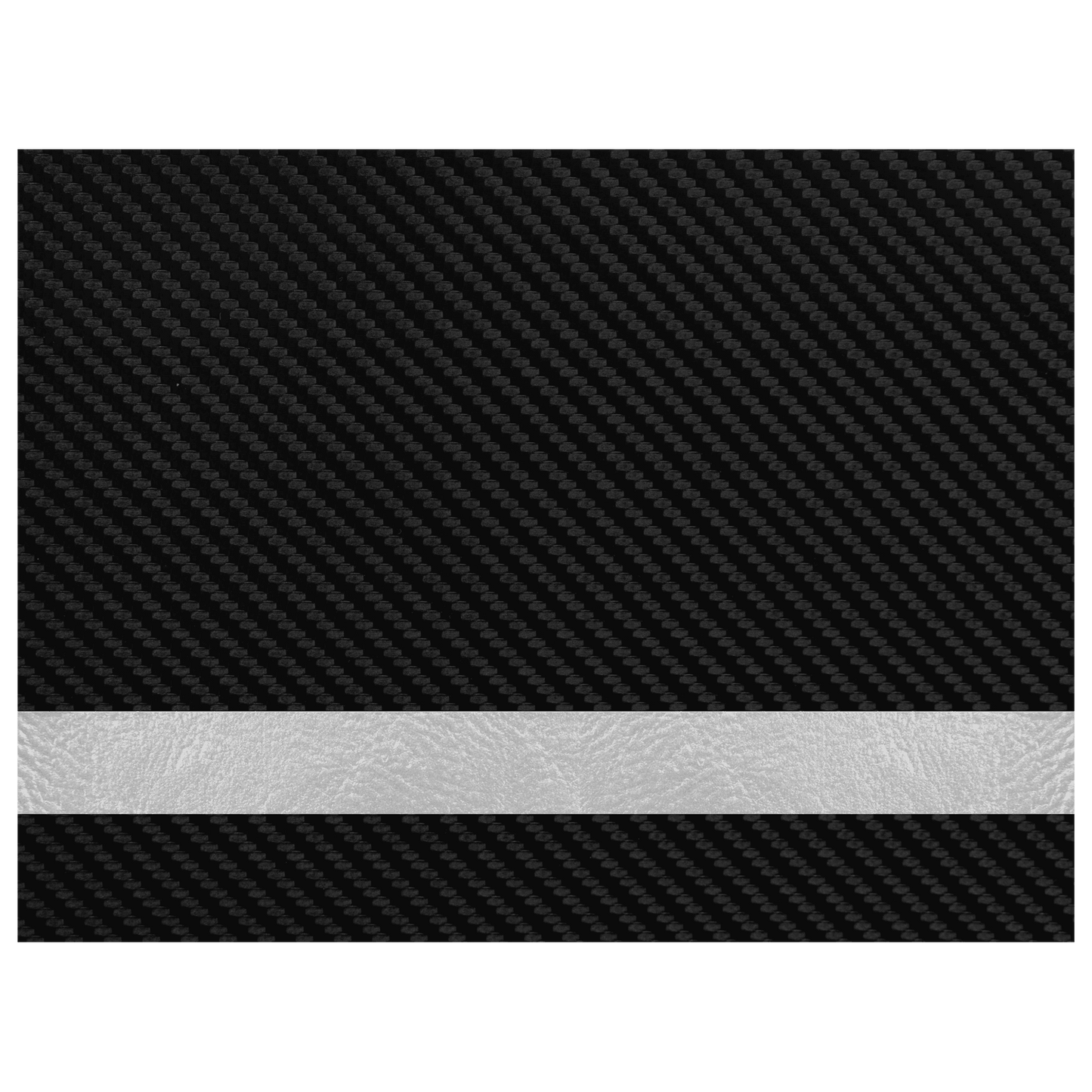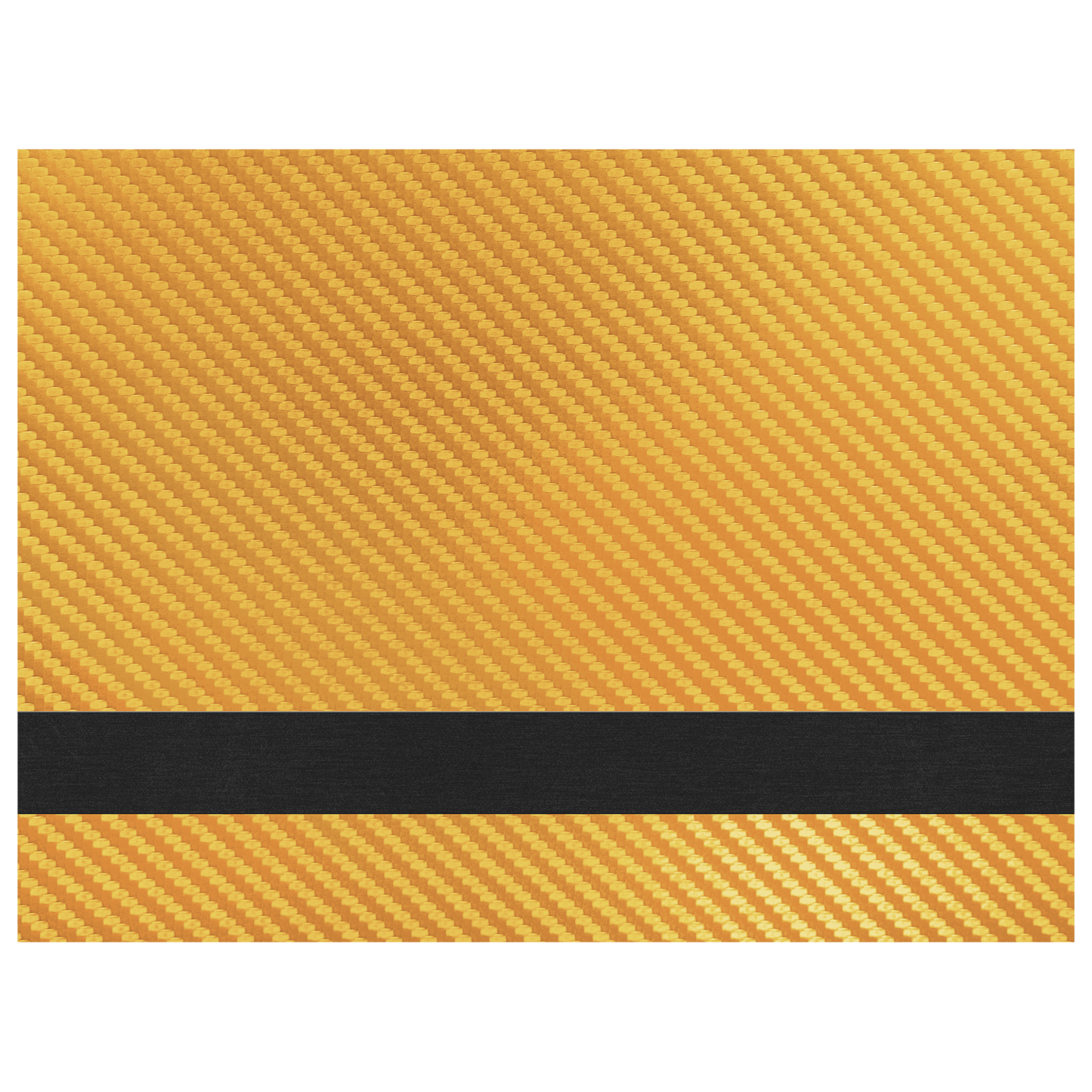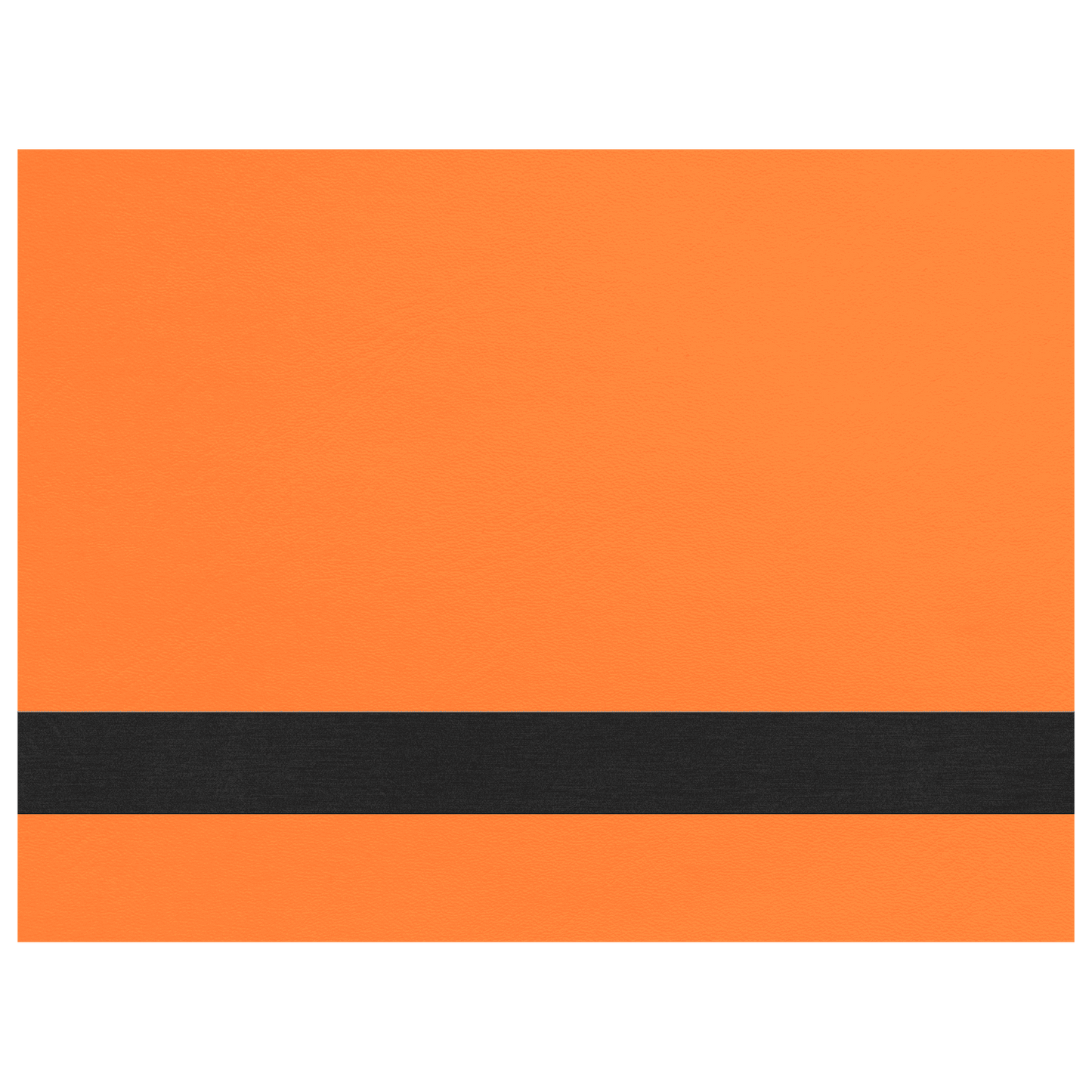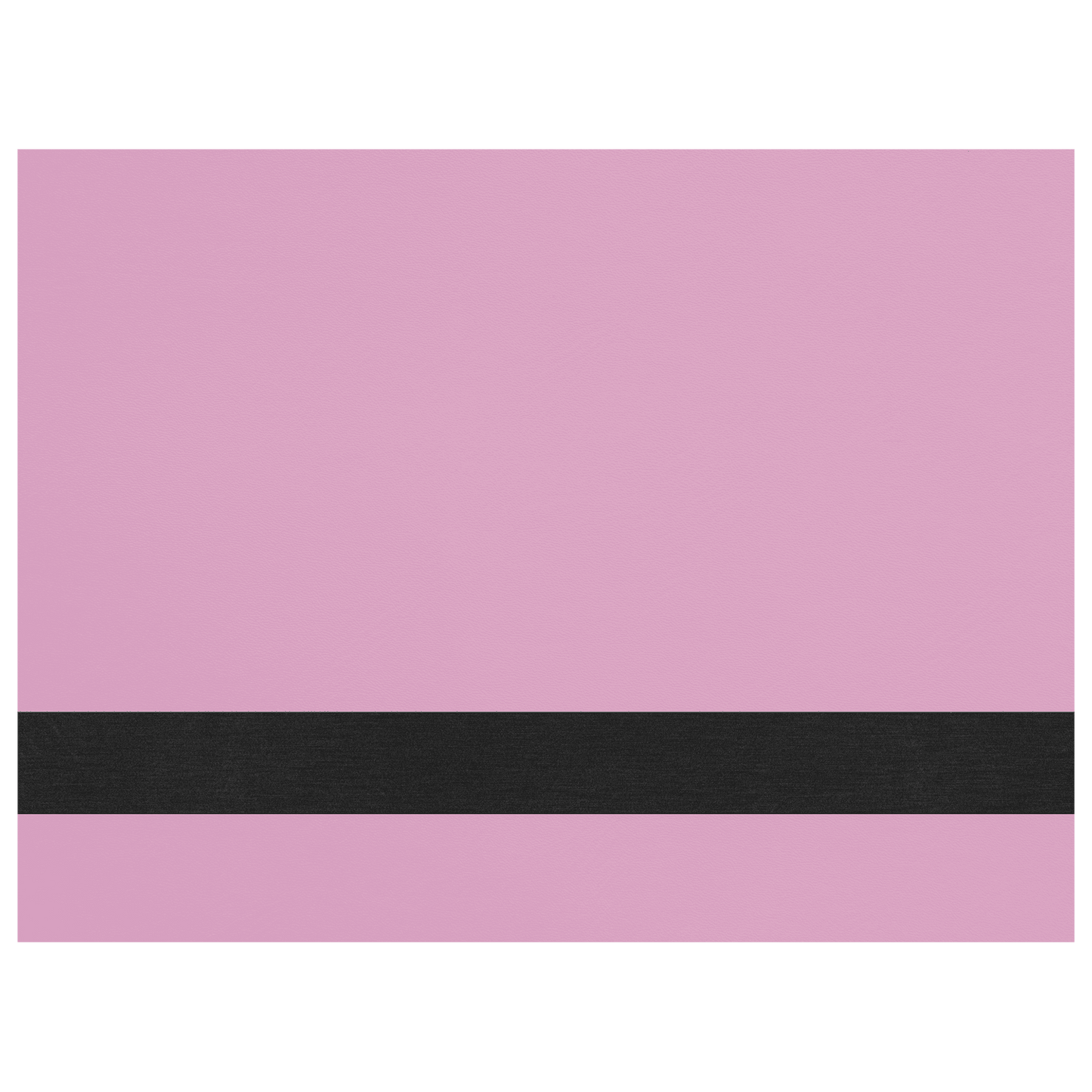


HEAT ACTIVATED ADHESIVE Premium (Thick) Sheet Lasered Leatherette Sheets (Standard Collection) - 12" x 24”
HEAT ACTIVATED ADHESIVE Premium (Thick) Sheet Lasered Leatherette Sheets (Standard Collection) - 12" x 24”
Couldn't load pickup availability
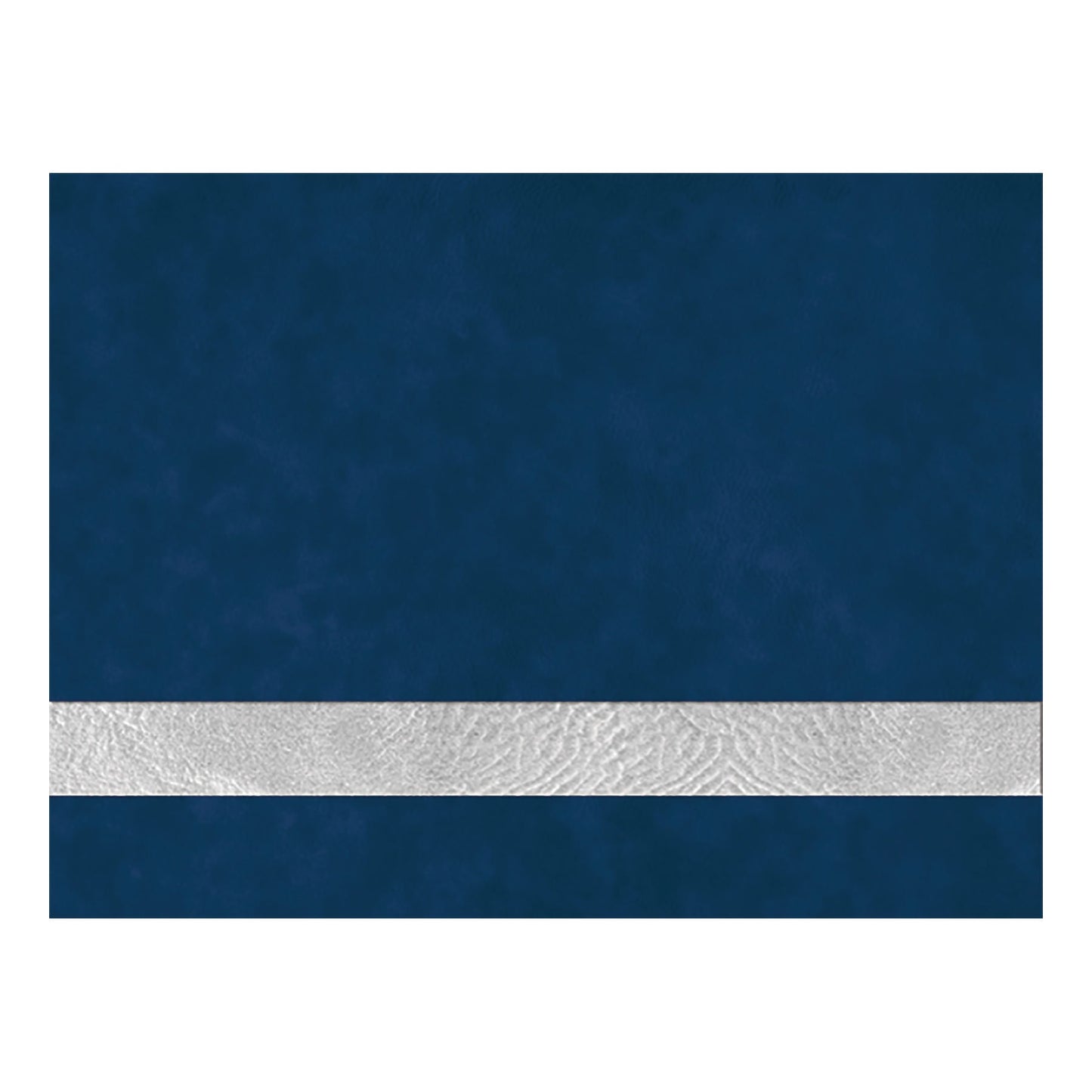
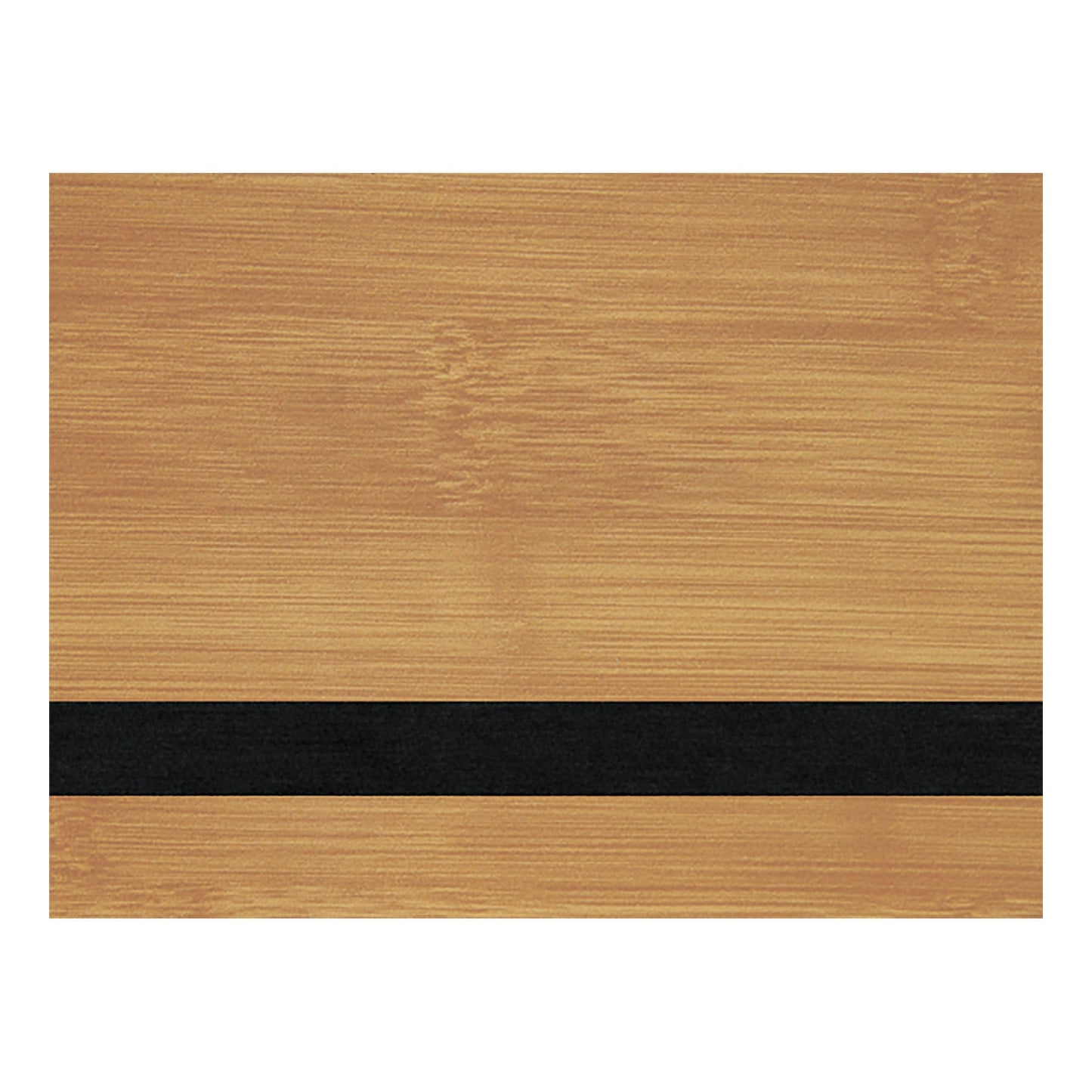
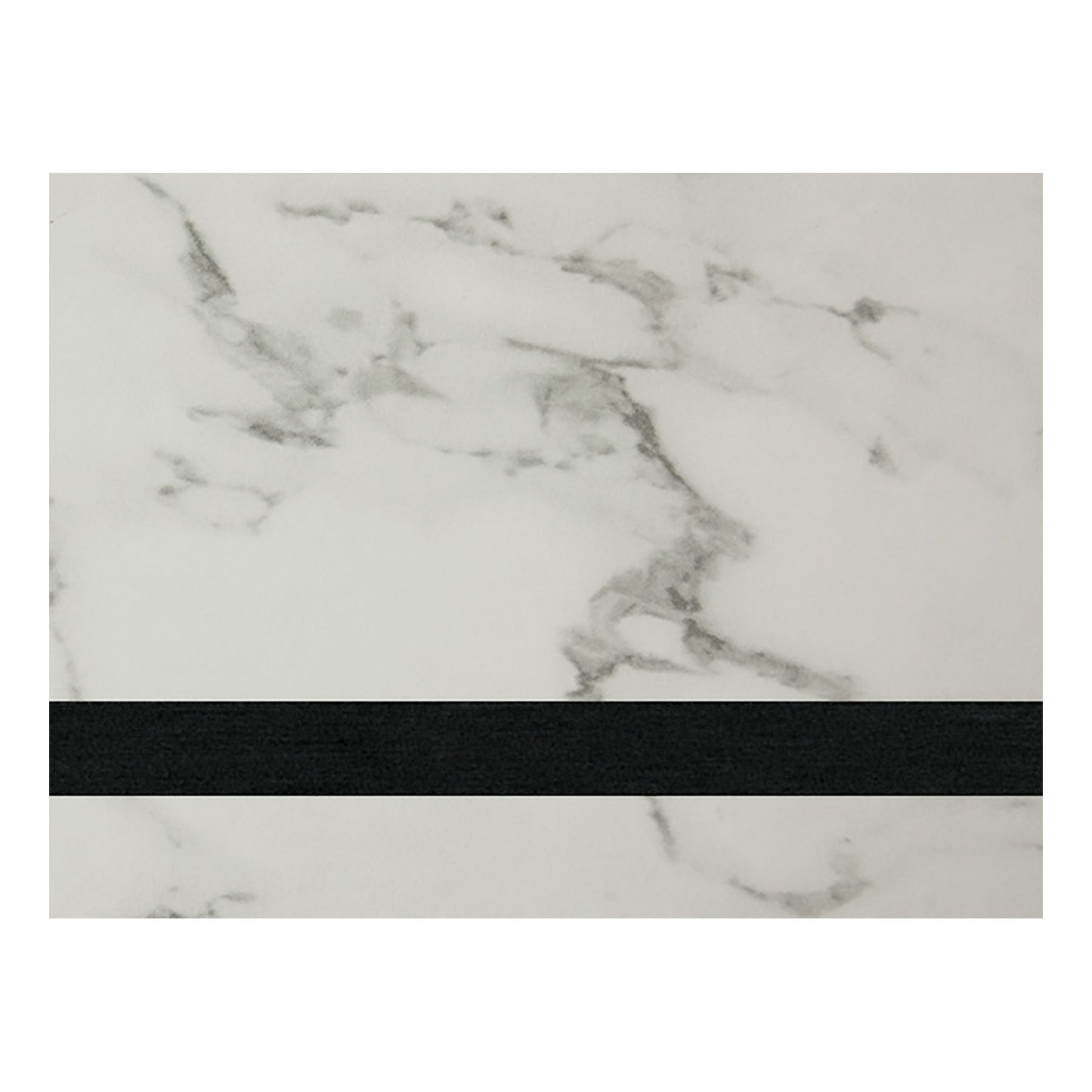
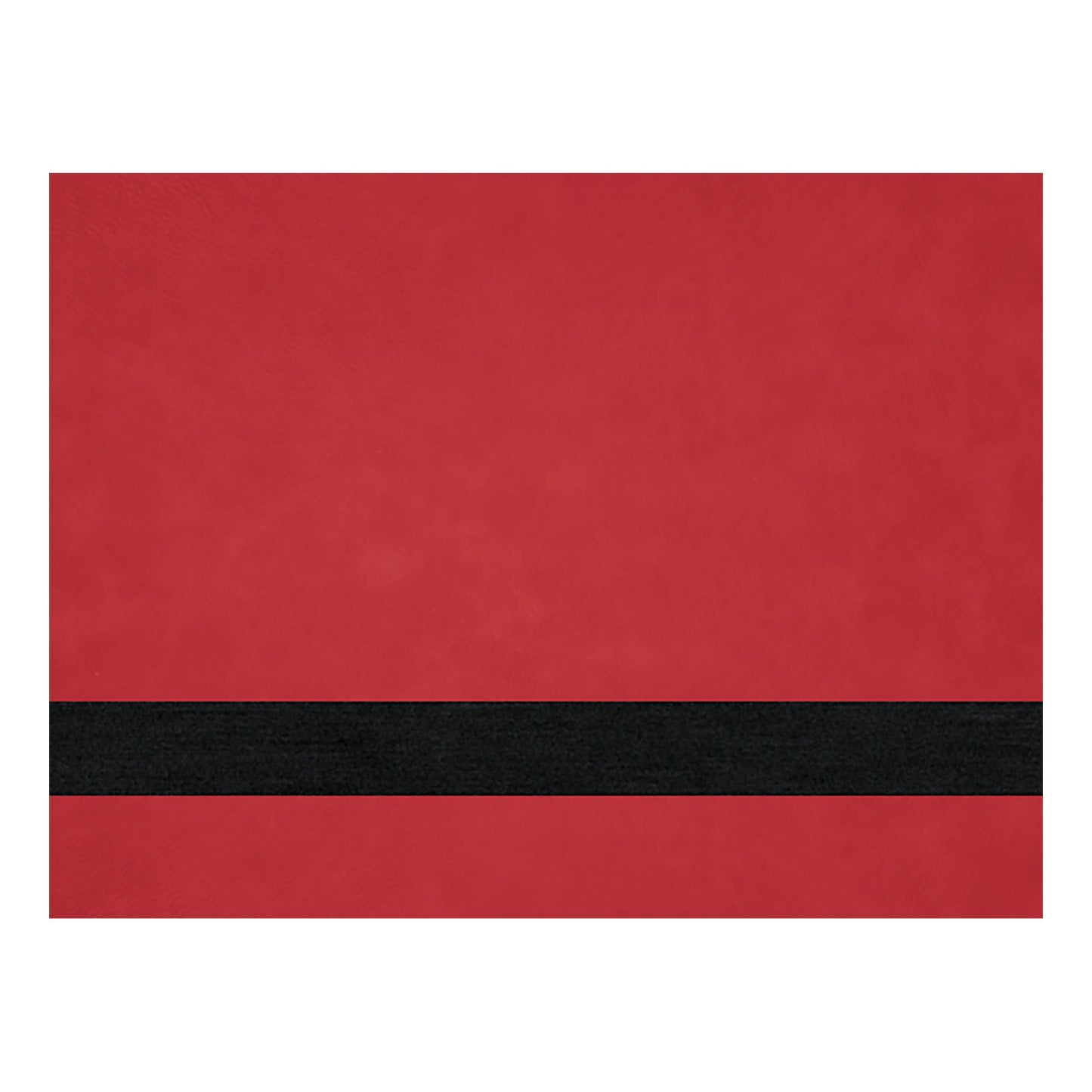
This Premium Lasered Leatherette Standard Colour Collection has HEAT ACTIVATED ADHESIVE for exceptional durability and bonding strength, plus they are thicker than the other standard colours we carry! The high-quality heat activated adhesive is a non-tacky film that activates quickly under heat for a permanent bond, ensuring confidence in all your customized projects. These premium leatherette sheets are available in a variety of colours.
This lasered leatherette collection is thicker than our other leatherette at 1/16” (or 1.57mm thick). We have starting point laser settings listed below.
Premium leatherette sheets ship within +/- 3 to 9 business days.
Product Specifications:
Material: Faux Leather
Product Dimensions:
12" x 24" x 1.57mm (1/16” thick)
Care Instructions:
To clean laserable leatherette items use LA Awesome cleaner or a neutral soap with water. It will not leave any water spots. Alcohol works well on pen marks. Leatherette does not absorb finger oil.
Hand wash only
Colours of leatherette may not be as exactly shown due to screen variations.
LEATHERETTE INSTRUCTIONS:
These below settings are just a baseline, everyone's equipment will be different, so we recommend testing a small piece of leatherette first to find your machines optimal settings before applying leatherette to your finished product.
HEAT SETTINGS TO APPLY:
330 degrees top & 320 degrees on the bottom
Pre-press hat for 20 to remove moisture
Place a patch on to start activating heat and press with fingers for a few seconds Place a 1/16 silicone pad over and press for another 22-30 seconds at medium pressure
SINGLE PLATE HAT PRESS
Set temperature at 300 degrees
Pre-press hat for 20, place patch & hold with fingers for a few seconds. Place a 1/16 silicone pad over and press for 35-50 seconds